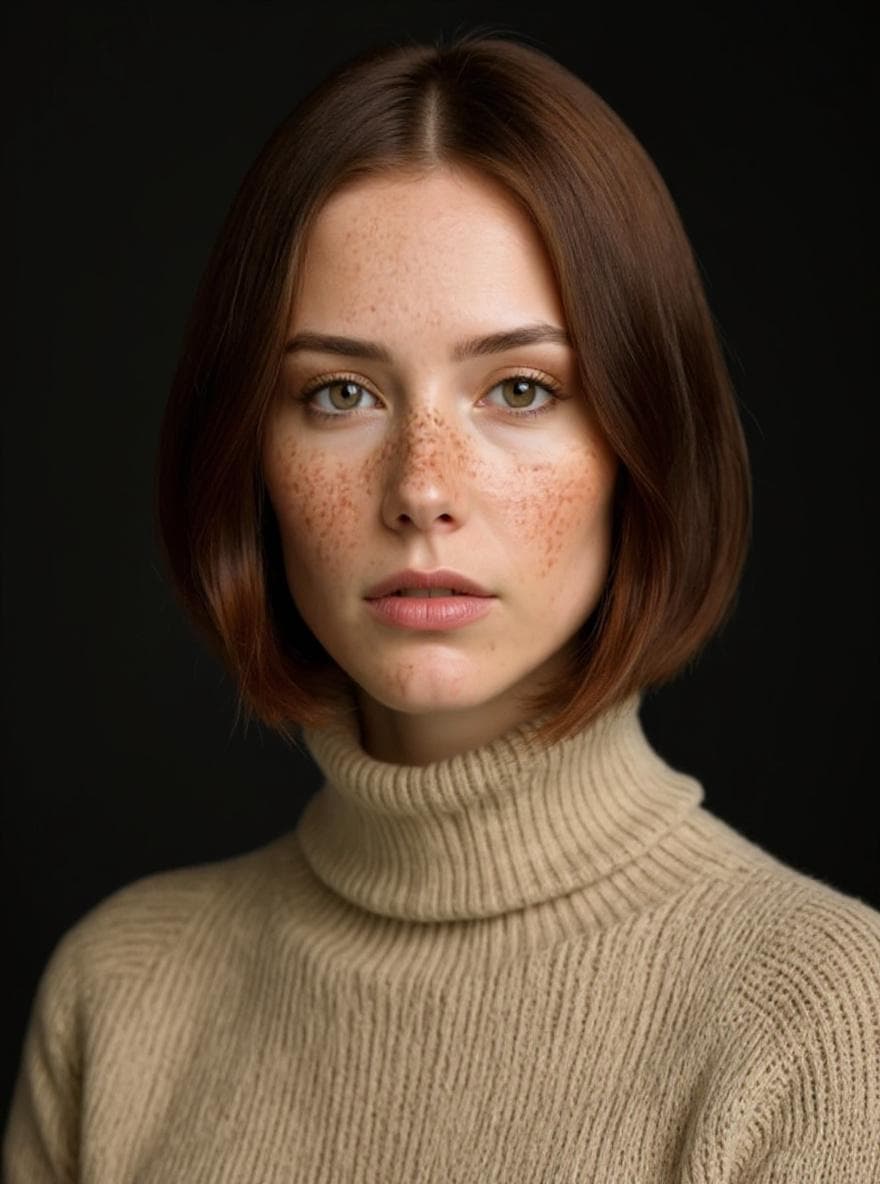
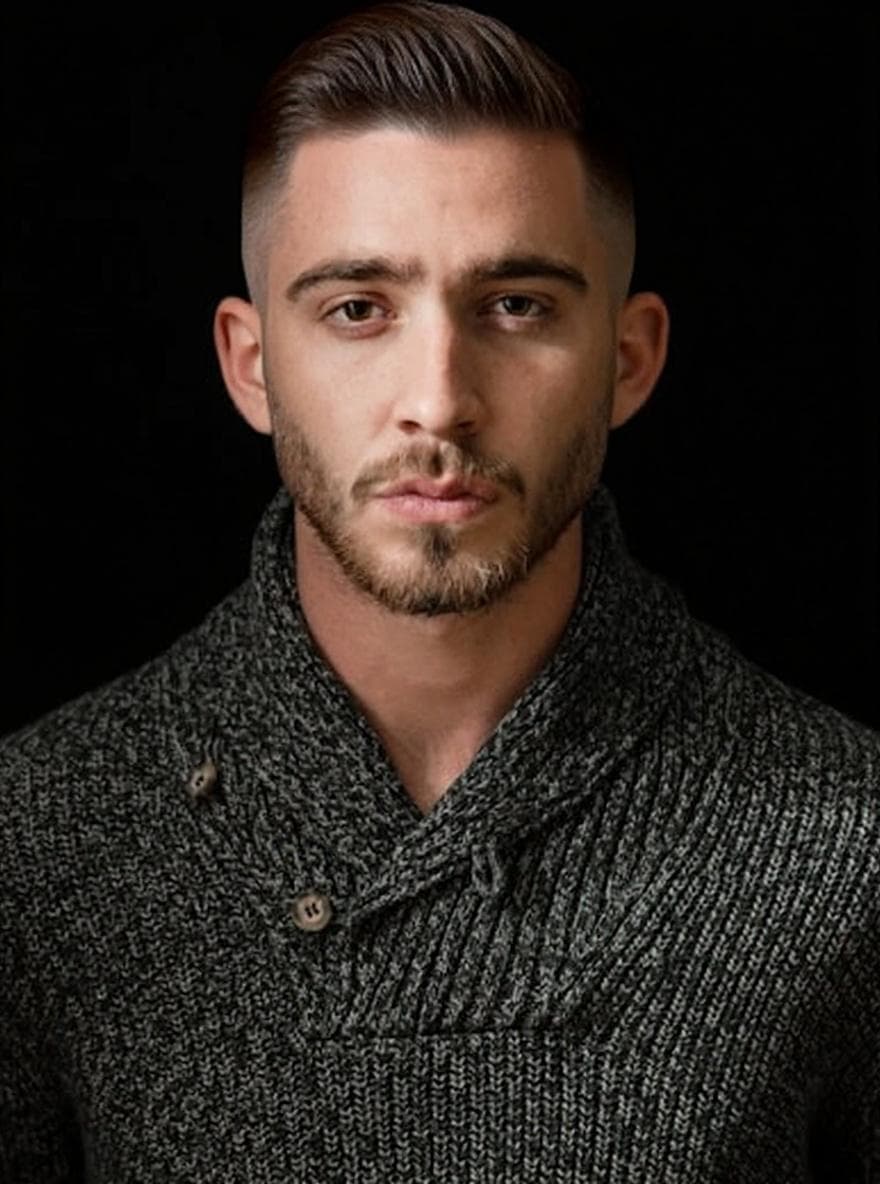
AI hair try-on for men & women. 480+ styles. Your face.
Snap a selfie. The coif app places any hairstyle on your own photo in seconds — matched to your face shape and picked from a library built for men and women alike. Export a barber card you can show in the chair.
Free to try. One AI preview on us. No card, no commitment.
Three gestures. That’s all.
Snap.
Selfie. Face the camera — coif nudges the best angle for each style.
Browse.
480+ styles. Tap one. Watch it land.
low taper fade.
Share.
Export a barber card. Walk in. Point.
low taper.
A private mirror for the next you.
Each preview is generated from your own photo — never a stranger’s face, never a composite. Selfies stay on device until you ask for a preview. Results are visualisations, not guarantees.
- Photoreal for most hair types in good light
- Face-shape aware recommendations
- HD export to share with your stylist
Drag to compare.
One selfie. One AI preview. No wigs, no filters, no retouching — for men and women.
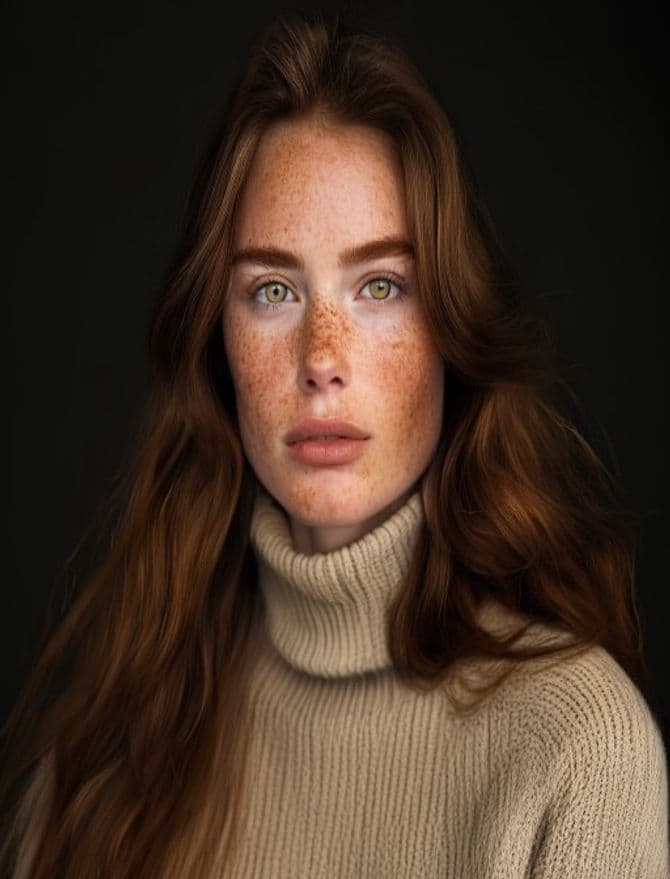

Drag the gold handle, or use ← → arrow keys.
Four hundred ways to meet yourself.
Trending cuts. Timeless classics. Bobs, fades, braids, color — a curated library that grows every month. The full catalogue unlocks with Pro.
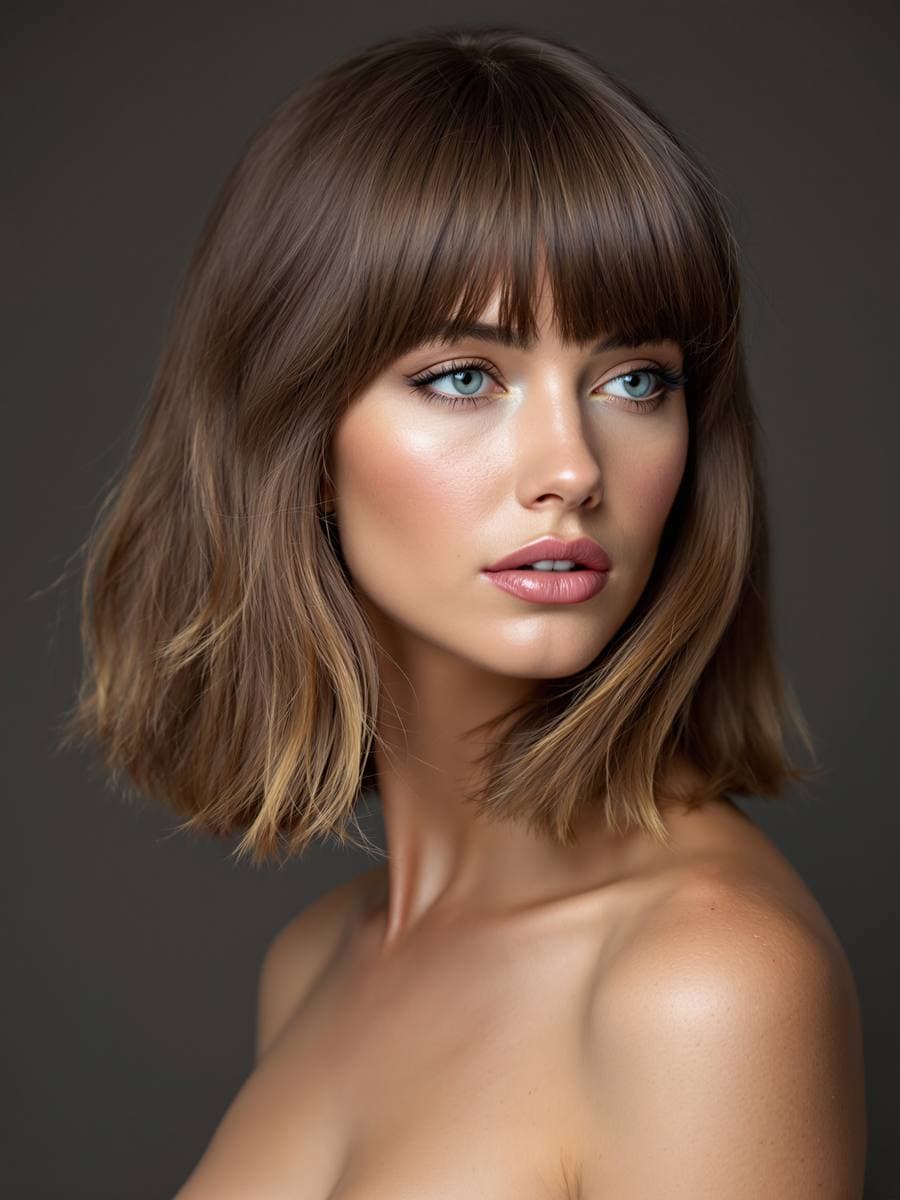
Trending.
What people are walking in with this month
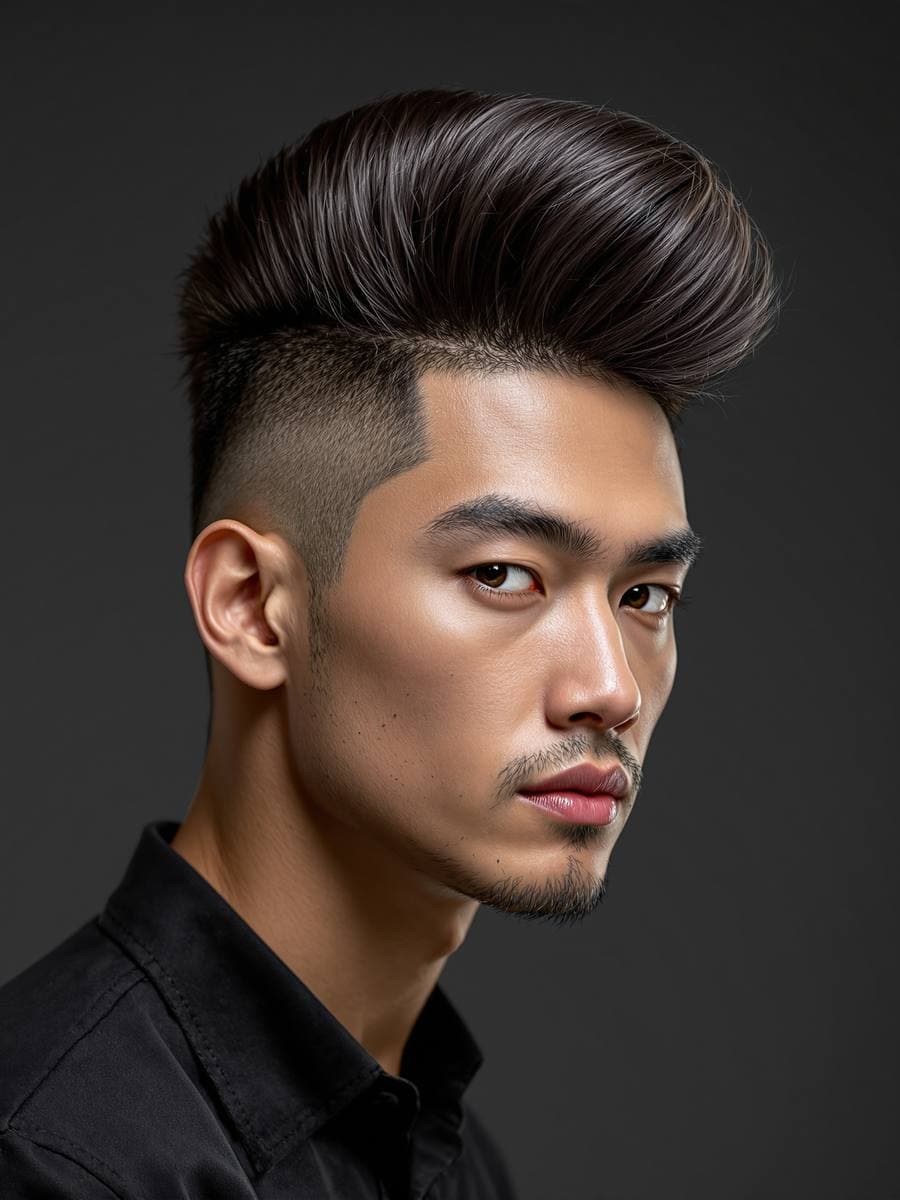
Classic.
Side-parts, pompadours, timeless cuts
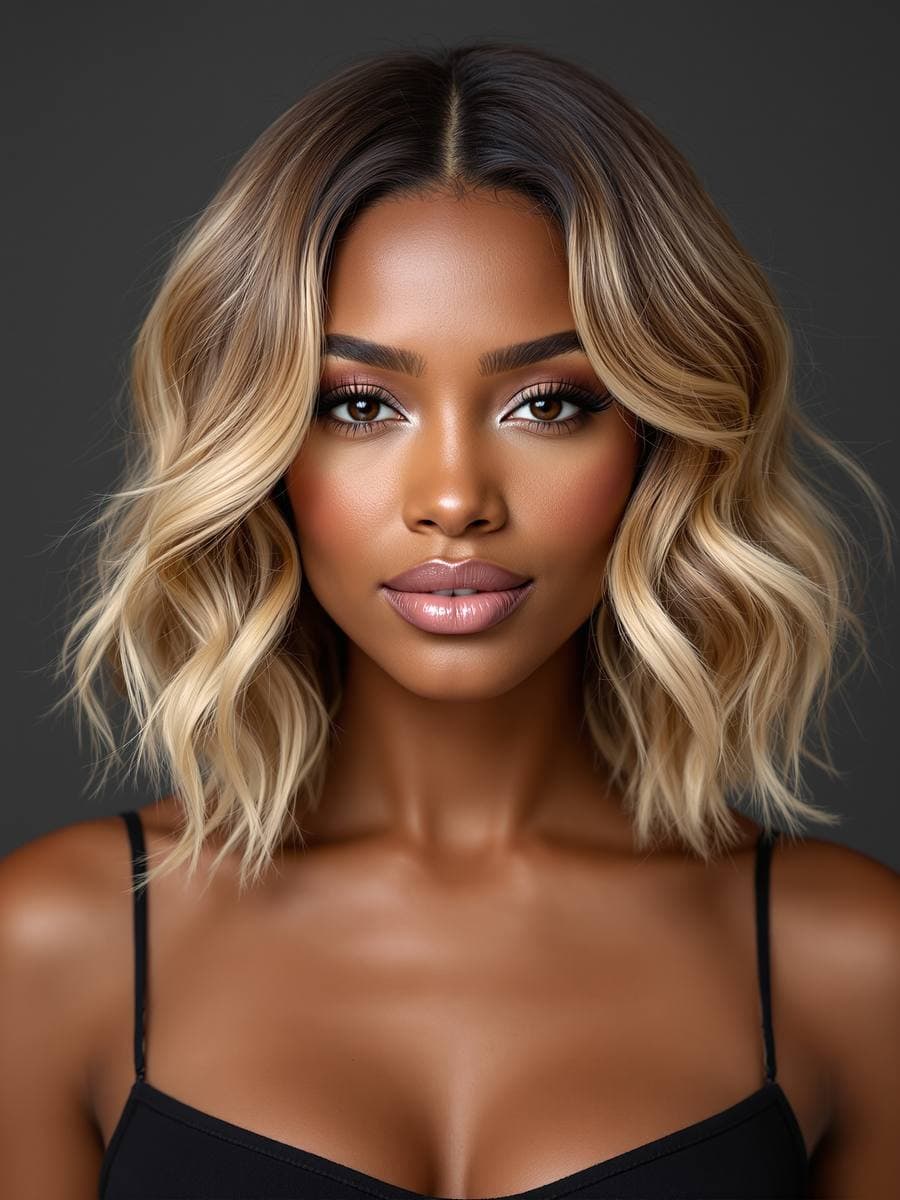
Bobs & Lobs.
From blunt to textured, chin to shoulder
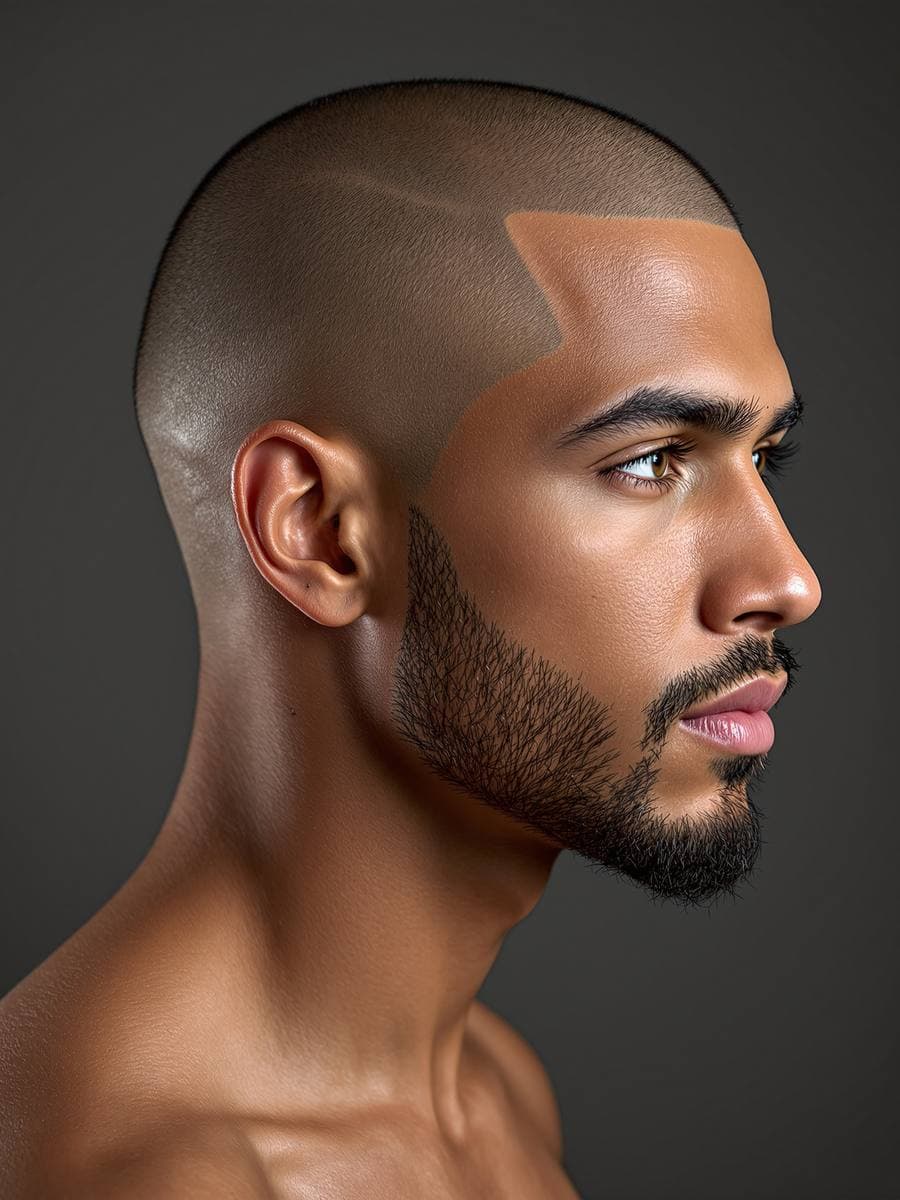
Fades & Tapers.
Every length of fade, from skin to scissor
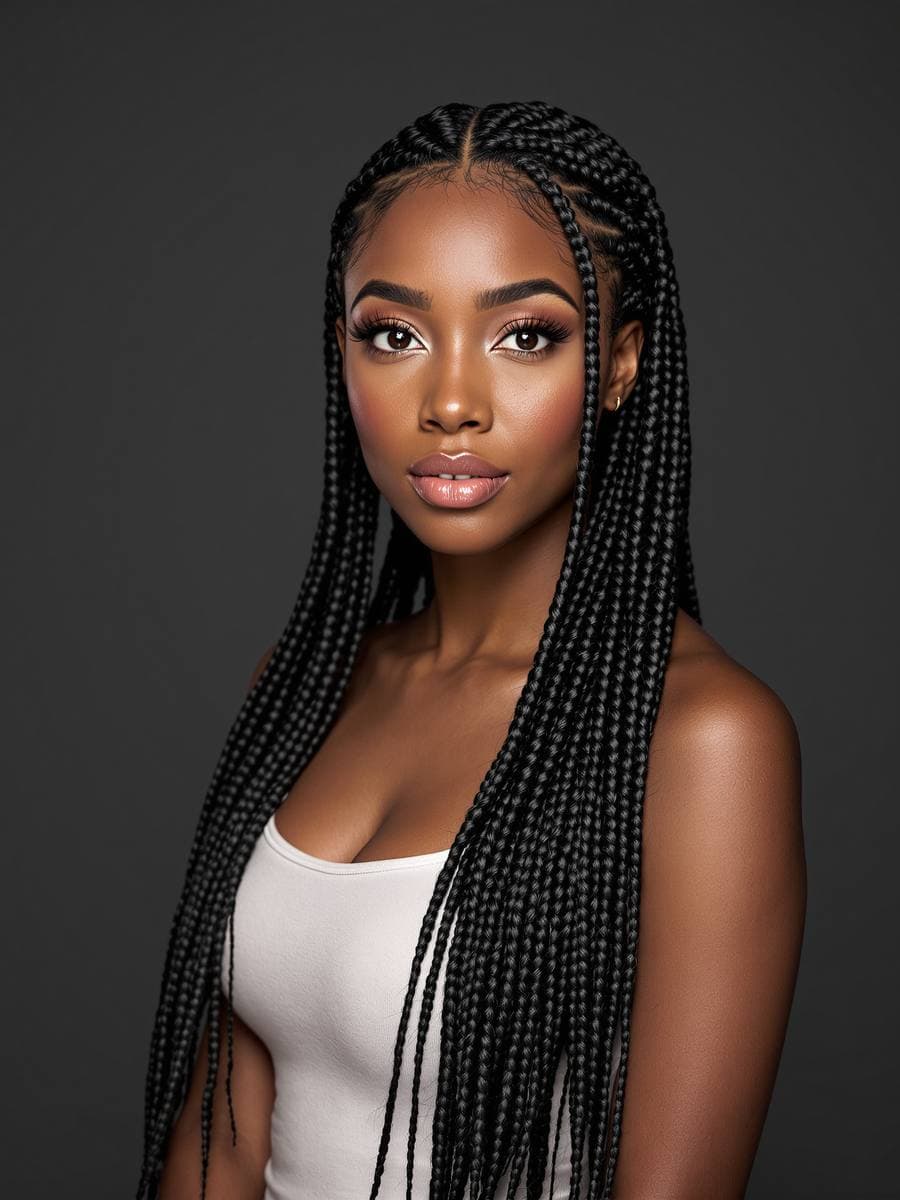
Braids & Locs.
Box braids, cornrows, twists, flat twists
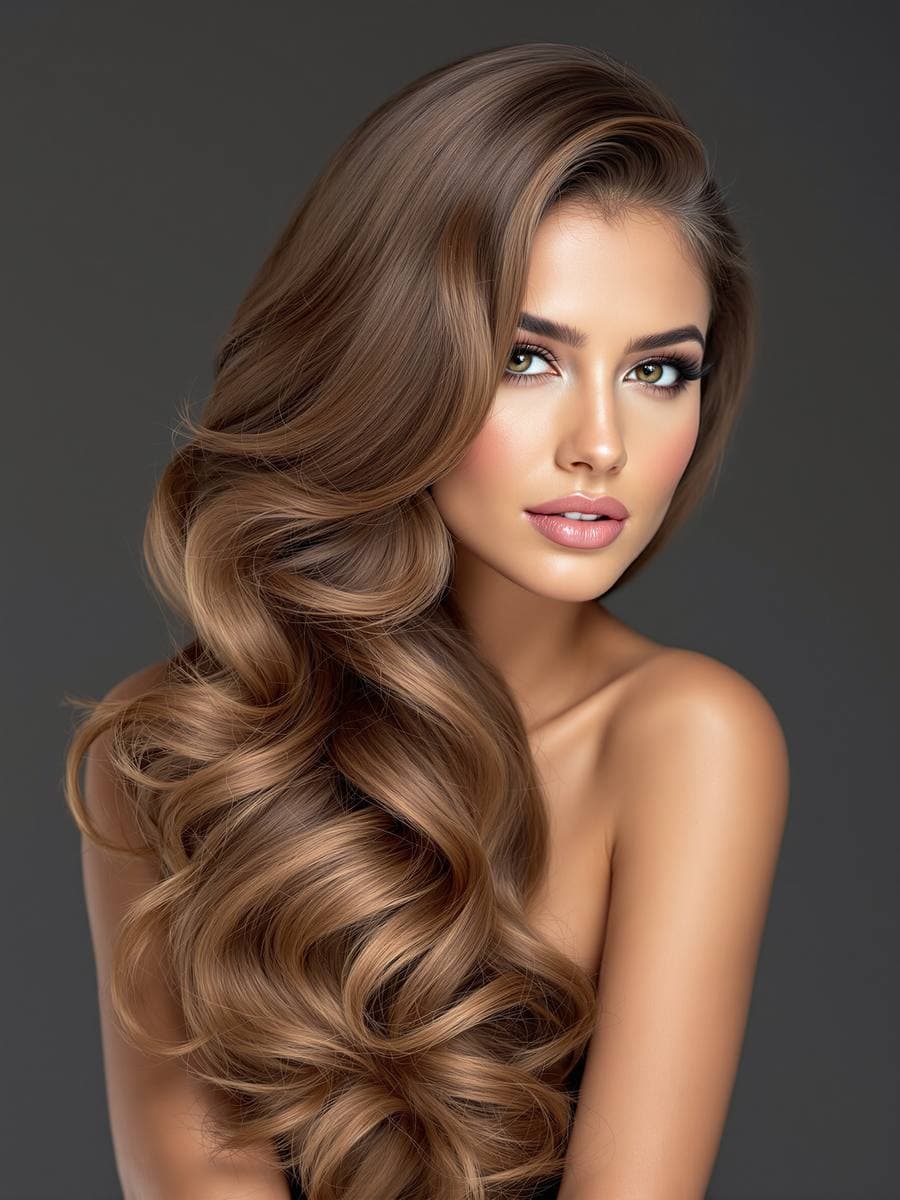
Cultural.
Korean bobs, Bollywood waves, African threading
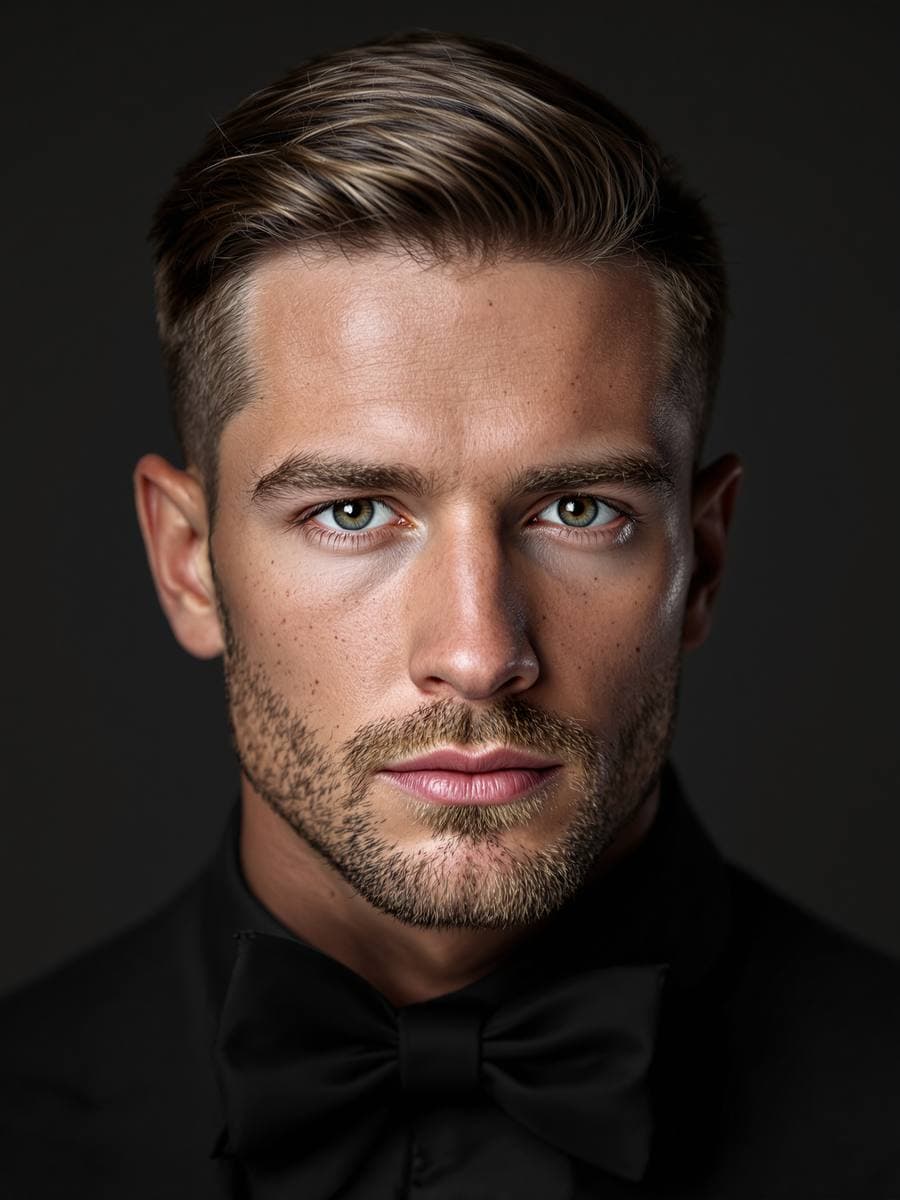
Event & Formal.
For weddings, galas, and the camera
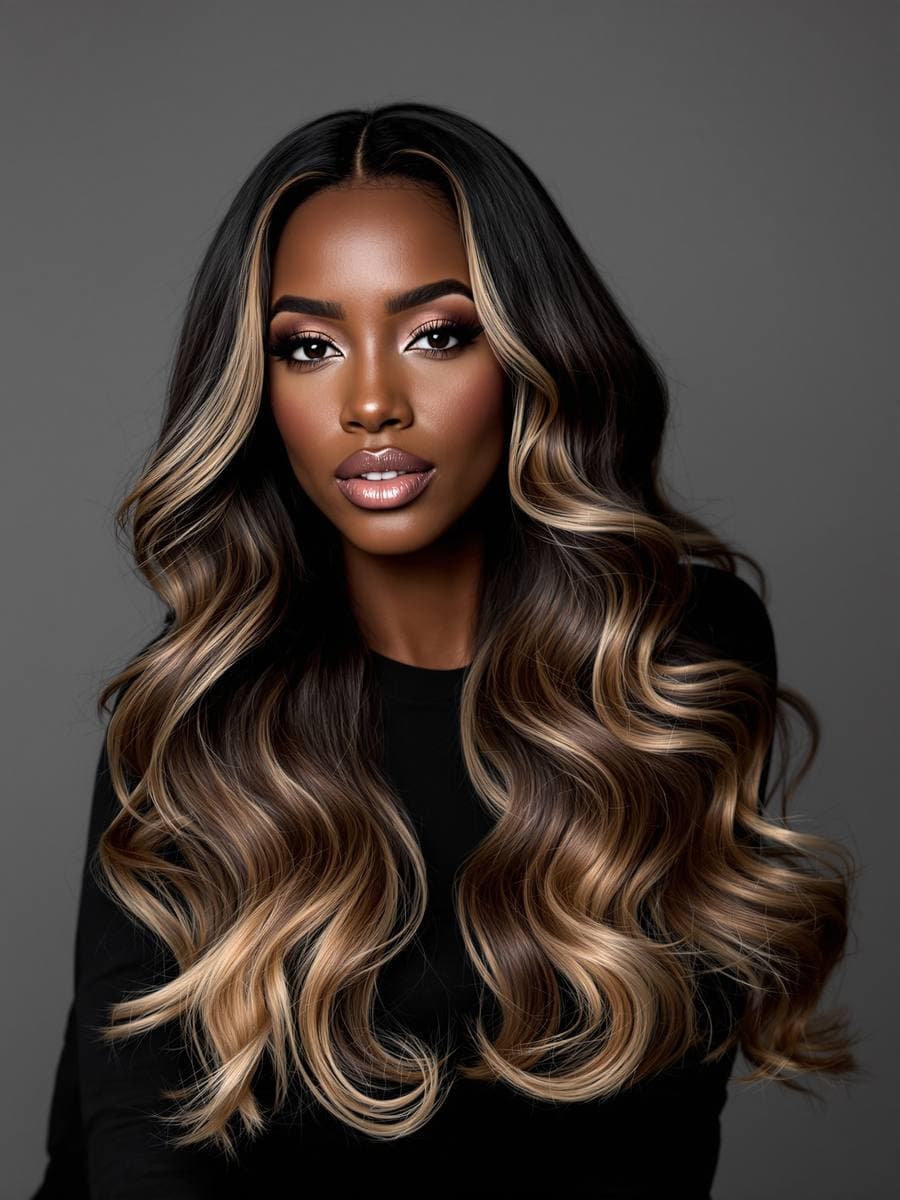
Color & Highlights.
Balayage, highlights, vivids
A glimpse. 480+ more inside, unlocked with Pro.
See the full library →Your face already knows.
coif reads your bone structure in milliseconds — six shape families, processed on-device — and recommends styles that flatter the geometry you already have.
No photo leaves your phone for face analysis
One free try. Then every style, unlocked.
A taste of coif.
- 1 AI preview on us
- Face shape analysis
- Curated starter gallery
Every style, every month, every result.
- Unlimited AI previews
- All 480+ premium styles
- HD barber-card exports
- Priority generation queue
- Full try-on history
Ten try-ons. No subscription.
- 10 AI previews to use anytime
- Full access to 480+ styles
- HD exports included
- No expiry, no auto-renewal
All plans live inside the coif iPhone app.
Download once. Try free. Upgrade only if you want to.
Prices shown in USD and may vary by region. Purchases are billed through the Apple App Store. Subscriptions renew automatically; cancel anytime in Settings → Subscriptions → coif.
Questions, quietly answered.
Is coif for men, women, or both?
Both. At onboarding you pick a preference (men or women) and the coif app tailors the gallery accordingly — fades, crops, pompadours, side-parts for men; bobs, waves, curtain bangs, braids, colour work for women. Cultural, protective and event styles are represented across both. You can switch your preference anytime in Profile.
How realistic are the AI previews?
Photoreal for most hair types in good, even light. The coif app transfers the hairstyle onto your own photo while preserving your skin tone, lighting and expression. Results are visualisations — not guarantees — so real-world outcomes still depend on your starting length, texture and your stylist's execution. Use the barber card as a conversation starter, not a contract.
Will it work on my hair type?
Previews perform best on clear, front-facing selfies in diffuse natural light. Very short or shaved hair, tightly-coiled textures, heavy glare, dark backgrounds, strong side-lighting and motion blur can reduce fidelity. The six face-shape families (oval, round, square, heart, oblong, diamond) are handled equally well; the key variable is photo quality, not your hair.
Is my selfie private?
Face-shape analysis runs on device using Apple's Vision framework — your selfie never leaves the phone just to be measured. When you generate a preview, your photo is sent over TLS to PerfectCorp Inc. (YouCam SDK), our third-party AI hair-transfer partner, used only to produce the requested preview, and deleted from PerfectCorp's servers within 24 hours. PerfectCorp is bound by a Data Processing Agreement guaranteeing the same level of privacy protection as our policy. Your selfie is never used to train AI models, never sold, and never shared with advertisers. Full details on the privacy page.
What is a barber card?
A shareable image with your before and after side by side, the style name and short description, and optional notes for your stylist. Export as HD, AirDrop to your barber, or hand them your phone in the chair.
Can I try it before I subscribe?
Yes. Every new account gets one free AI preview — no monthly reset, no credit card. You also get on-device face-shape analysis and the curated starter gallery. If you want more, pick up a credit pack for $2.99 or go Pro.
Is coif available on Android?
Not yet. The coif app is iPhone-only today. We will announce Android availability on the App Store page and on this site when it is ready.
How do I cancel Pro?
Open Settings → Apple ID → Subscriptions → coif → Cancel. You will keep Pro access until the end of your billing period, and you can re-subscribe anytime.
What happens to my generated looks if I stop subscribing?
Your history stays on your device. Re-subscribing restores cloud sync instantly. You never lose the barber cards you have already exported.
The chair will still be there.
coif is free to start. iPhone only, for now.

Made by Apphive Technologies. Requires iOS 17 or later.